
Renovations have historically been the ultimate test of patience. Anyone who has survived a home remodel knows the specific kind of fatigue that sets in around week three. You are drowning in fabric swatches, your contractor is asking questions you don't understand, and the budget has already developed a mind of its own.
For decades, the choice was binary and stark: pay a premium for a professional interior designer or risk a DIY disaster fueled by Pinterest boards that looked great on a screen but failed in reality.
But 2026 has fundamentally changed this dynamic. We have moved past the era where Artificial Intelligence was just a novelty for generating surreal, dreamlike images. While early tools were just toys, modern AI interior design has evolved into a robust ecosystem for spatial planning and procurement. It is no longer about hallucinating a living room; it is about building one.
This guide explores how homeowners are reclaiming control over their spaces. We will walk through the new standard workflow-Type, see, Tweak, Buy-and how you can use these tools to execute a professional-grade renovation without the professional-grade price tag.
The Death of the "Mood Board" and the Rise of Commerce-Driven AI
To understand why the landscape has shifted, we have to look at where we failed in the past. For years, the "mood board" was the gold standard of DIY design. You would clip images of velvet sofas, oak floors, and brass fixtures, pasting them into a collage. It looked cohesive. It looked beautiful.
Then you tried to buy it.
The sofa didn't fit through the door. The oak flooring clashed with the existing trim. The brass fixtures were out of stock or cost triple your budget. The disconnect between inspiration and execution was the primary cause of renovation overspending.
Generative AI initially made this worse. In 2023 and 2024, tools like Midjourney could create stunning interiors, but they were architectural lies. Chairs had five legs. Windows appeared on load-bearing walls where no window could exist. You couldn't "buy" the room because the room was a mathematical average of pixels, not a catalog of products.
In 2026, the paradigm is Commerce-Driven AI. The leading tools now understand three critical constraints:
- Physics: They know a dining table needs clearance for chairs.
- Inventory: They suggest furniture that actually exists in stock.
- Budget: They can swap a $5,000 Italian leather sectional for a $1,200 alternative that keeps the aesthetic intact.
This is the shift from "Visualizing" to "Solving."

Phase 1: The Setup - Digitizing Your Space
Before you type a single prompt, you must ground the AI in reality. A common mistake is treating the AI like a magic 8-ball. It is not magic; it is a logic engine. If you feed it garbage data, it will give you a garbage renovation plan.
Photography is Data
Your phone camera is your most powerful tool, but only if used correctly. When uploading reference photos of your current space to an AI platform:
- Shoot from the hip: Literally. Holding the camera at chest level gives the AI a better sense of room proportions than shooting from eye level or high angles.
- Capture the corners: The AI uses corners to anchor the geometry of the room. A photo of a flat wall is useless for spatial mapping.
- Natural Light Audit: Note your window direction. A room facing North gets cool, blue-tinted light; a South-facing room gets warm, golden light. Advanced tools now allow you to input "North-facing light" as a parameter, ensuring the color palette suggested doesn't look sickly in your actual environment.
The "White Box" Method
If you are doing a gut renovation, use the "clean up" or "remove object" features first. Don't try to design over a messy room. Use the AI to digitally empty the space. This "White Box" approach gives the algorithms-and your brain-a fresh canvas, reducing the noise that leads to cluttered designs.
Phase 2: Mastering the Prompt (The "Type" Stage)
Prompt engineering is no longer just for coders. In 2026, it is a basic literacy skill for homeowners. However, talking to a design AI is different from talking to a chatbot. You aren't writing a story; you are writing a specification.
The Context + Constraint + Mood Formula

Note: The biggest failure in AI design is vagueness. "Make it look like a modern living room" will yield a generic, hotel-lobby result.
To get a design that feels like home, use this formula:
[Context] + [Constraint] + [Mood/Style] + [Function]
- Bad Prompt: "A nice kitchen with an island."
- Good Prompt: "A galley kitchen in a Brooklyn pre-war apartment [Context]. Must keep existing plumbing locations [Constraint]. Style is Japandi with warm oak textures and matte black fixtures [Mood]. Needs seating for three at the counter [Function]."
The "Empathy" Factor (EIS)
This is where the concept of EIS (Empathy, Intuitiveness, Seamlessness) becomes critical. Platforms like Paintit.ai have trained their models not just on geometry, but on cultural and stylistic nuance. They understand that "Minimalism" in Tokyo looks different from "Minimalism" in Copenhagen.
When you type your prompt, be emotional. Use words like "cozy," "airy," "intimate," or "energetic." The best engines today can translate these abstract feelings into concrete lighting and texture choices. They are learning to "feel" the space, bridging the gap between a cold render and a warm home.
Phase 3: Iteration and Visualization (The "See & Tweak" Stage)
You have your first result. It's 80% there, but the rug is wrong, and the coffee table is too sharp for a house with toddlers. In the old days (two years ago), you would have to rewrite the prompt and generate a whole new image, losing the parts you liked.
That workflow is obsolete. The standard for 2026 is the Unified Canvas.
In-Painting and Regional Editing
You should never have to leave the main workspace. Look for tools that support "in-painting"- the ability to mask a specific area (like just the rug) and ask the AI to "swap this for a vintage wool runner."
- Also read:How to Find Top New Apartment Developments in Melbourne

- Also read:The Impact of Visa Regulations on Property Market Trends in Australia

- Also read:5 Best Real Estate Photo Editing Services of 2024

- Also read:Steel Advantage: The 6 Benefits of Steel Buildings

- Also read:Renovating to Rent? Don’t Skimp on the Skip Bin

This allows for granular control. You are editing the room object by object, not generating random slot-machine results. This is the "Tweak" phase, and it is where the design actually happens.
Tip: Pro-Tip: If the AI keeps getting a detail wrong (e.g., placing a lamp floating in mid-air), switch to a "sketch-to-image" mode if available. Roughly drawing a box where you want the lamp helps the AI understand the perspective better than text alone.
Handling "Hallucinations"
Even the best AI in 2026 can still struggle with complex physics, like reflections in mirrors or the exact wiring of a chandelier. When you see a glitch:
- Don't panic.
- Don't accept it.
- Use the "Remove" tool to erase the glitch and regenerate just that patch.
- If it persists, it's usually a lighting issue. Try adding "soft diffused lighting" to your prompt to simplify the shadows the AI has to calculate.
Phase 4: From Pixels to Products (The "Buy" Stage)
This is the hardest hurdle: The "Seamlessness" gap. A render is useless if you can't buy the furniture. This is where many popular tools fail-they show you a generic "Eames-style" chair, but tell you nothing about where to get it, what it costs, or if it's comfortable.
The Commerce Integration
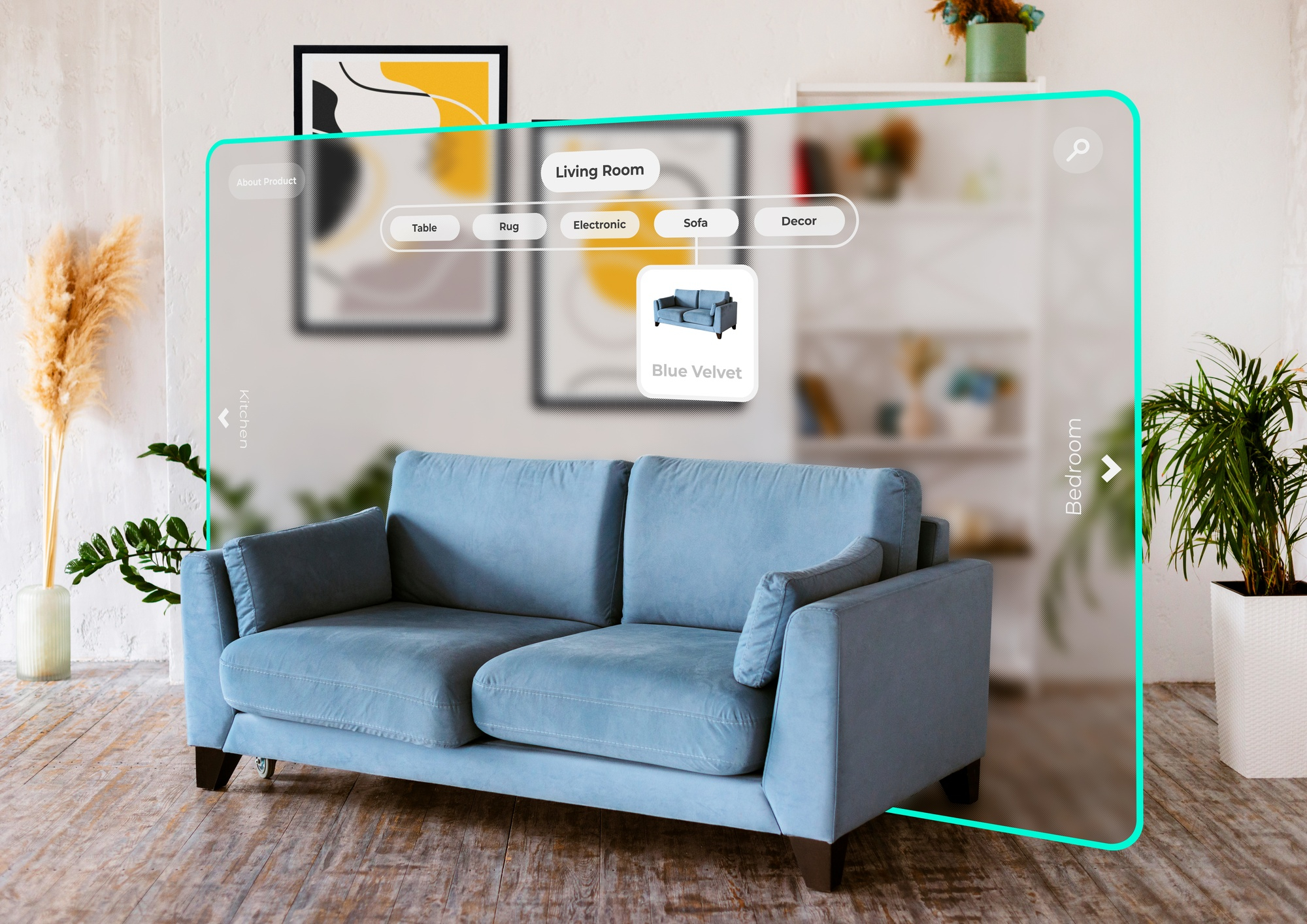
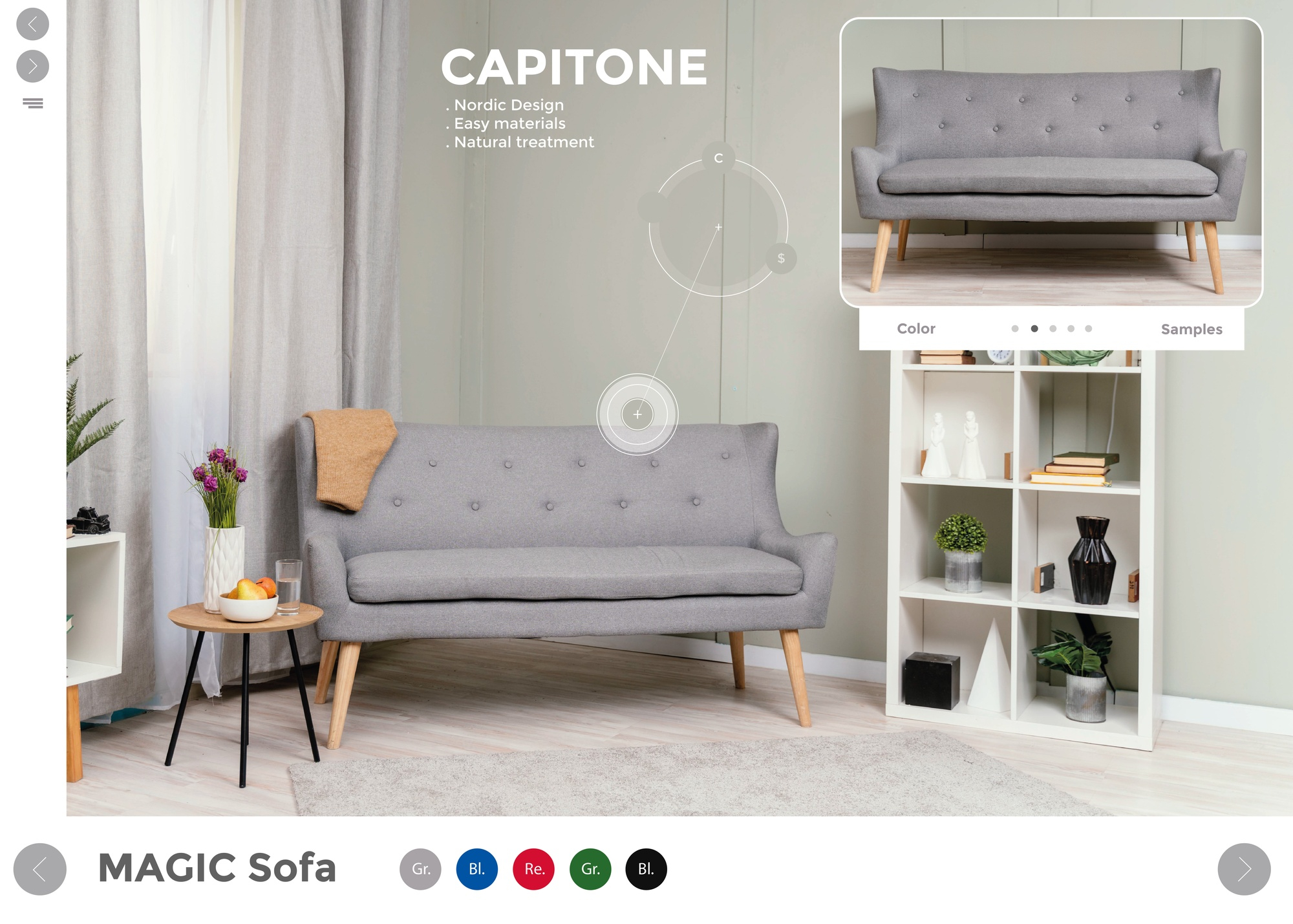
True seamlessness means the items in your generated image are linked to real SKUs. When evaluating a tool, check if it has a shopping lens or a "Get the Look" feature.
The workflow should be:
- Click on the sofa in your design.
- See the exact match (or a close visual match) from a retailer.
- See the price and dimensions.
- Add to cart.
This transforms the AI from a sketchbook into a procurement manager. It also helps with the "sticker shock" reality check. If the AI suggests a $10,000 sofa, you need a tool that can instantly "find visual alternatives under $2,000." This ability to pivot on price while maintaining the aesthetic is the superpower of AI renovation.

The Economics of AI Renovation
Is it worth paying a subscription for an AI tool? Let's look at the numbers.
Traditional Interior Design Route:
- Consultation Fee: $200 - $500
- Design Fee (Per Room): $1,500 - $3,000
- Revisions: Often limited to 2-3 rounds.
- Timeline: 4-6 weeks for final plans.
- Total Estimated Cost (Design Only): $2,000+
The AI-Assisted Route:
- Subscription (Monthly): ~$20 - $30
- Design Fee: $0 included.
- Revisions: Unlimited.
- Timeline: 4-6 hours.
- Total Estimated Cost: ~$30
The savings are not just in the design fees. They are in the avoidance of mistakes. Buying a sofa that is too large for the room costs hundreds in return shipping fees. Painting a room a color that looks bad in your specific lighting costs hundreds in labor and materials to fix.
By virtually "testing" these decisions on a digital canvas first, you are insuring your renovation against bad choices. If a $25 subscription saves you from one $200 mistake, the ROI is instant.
Common Pitfalls and How to Avoid Them
Despite the advancements, relying solely on AI requires caution. Here are the traps new users fall into:
1. The "Structural Blindness"
AI tools are visualizers, not structural engineers. Just because the AI removed a wall in the image to open up the kitchen doesn't mean that wall isn't holding up your roof. Rule of thumb: Never use AI for structural decisions without consulting a licensed contractor or architect.
2. Ignoring Materiality
An image cannot convey touch. A velvet sofa and a polyester sofa might look identical in a render, but they feel vastly different. Always order physical swatches of fabrics, flooring, and paint before committing to the full purchase. The AI provides the look; you must verify the feel.
3. Over-Prompting
There is such a thing as giving the AI too much information. If you specify the color, texture, size, style, era, and brand of every single item in the room in one prompt, the model will often choke or ignore half your instructions. Solution: Start broad ("Modern living room, green accents"), then use the "Tweak" tools to refine specific areas. Layer your design rather than trying to print it all at once.
Conclusion: Your Home, Your Rhythm
The democratization of interior design is complete. In 2026, you do not need a degree in architecture to understand flow, and you do not need a massive budget to visualize a change.
The barrier to entry has lowered, but the ceiling for creativity has raised. Tools that embrace the EIS philosophy-Empathy, Intuitiveness, Seamlessness-are empowering homeowners to take risks they never would have taken before. You can see the dark accent wall before you buy the paint. You can see the sectional before you block the hallway.
The process is simple: Type your vision. See the potential. Tweak the details until it feels right. And finally, Buy with confidence.
Your home is the most personal space you own. It shouldn't be designed by a stranger, and it shouldn't be designed by guesswork. It should be designed by you, amplified by intelligence.
Author: Yulii Cherevko, co-founder of paintit.ai, architect and tech entrepreneur in ai-driven design.